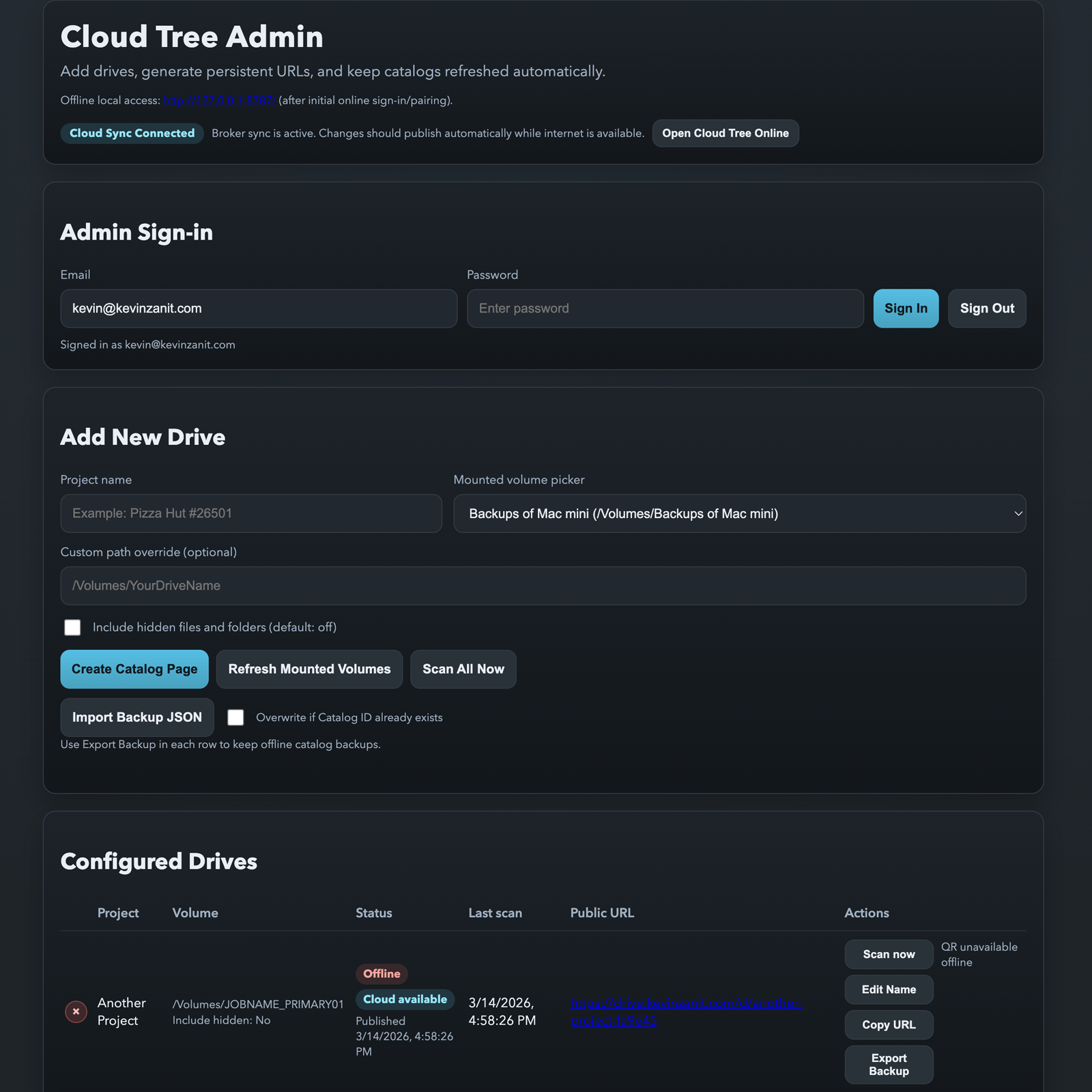
Drive Catalog Admin

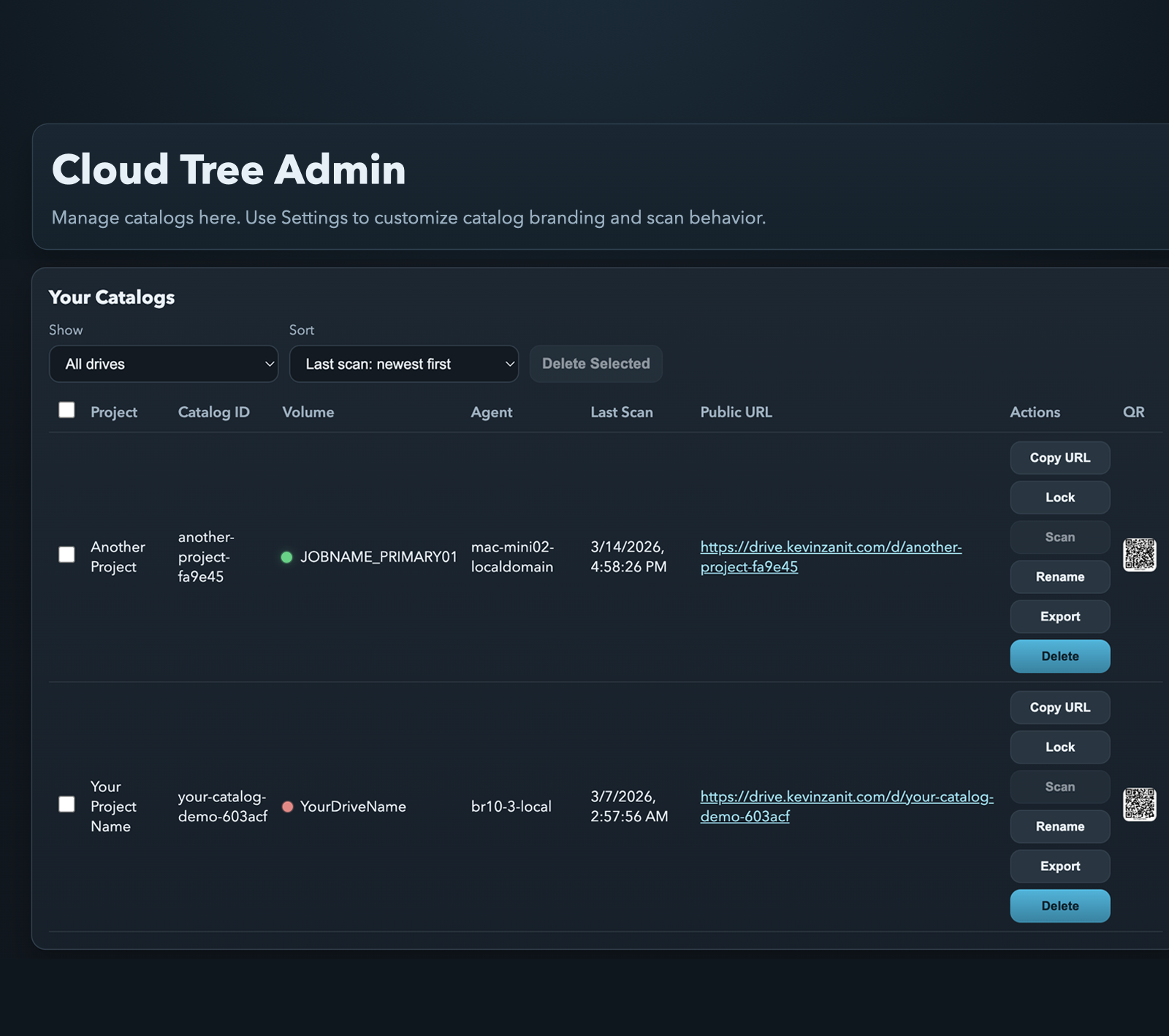
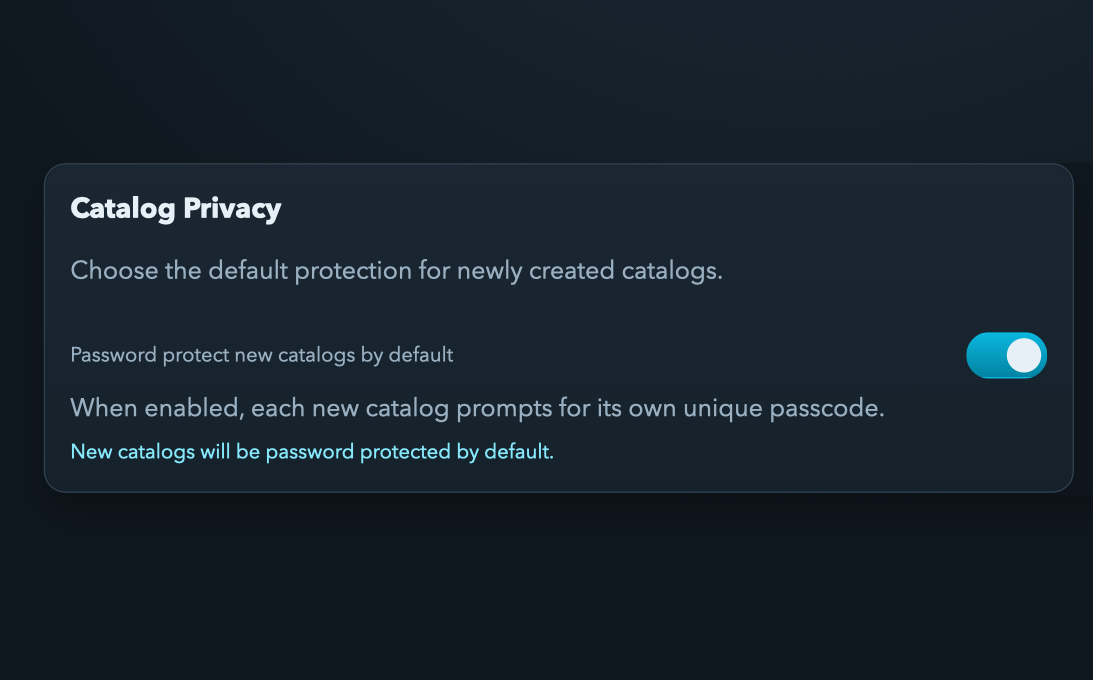
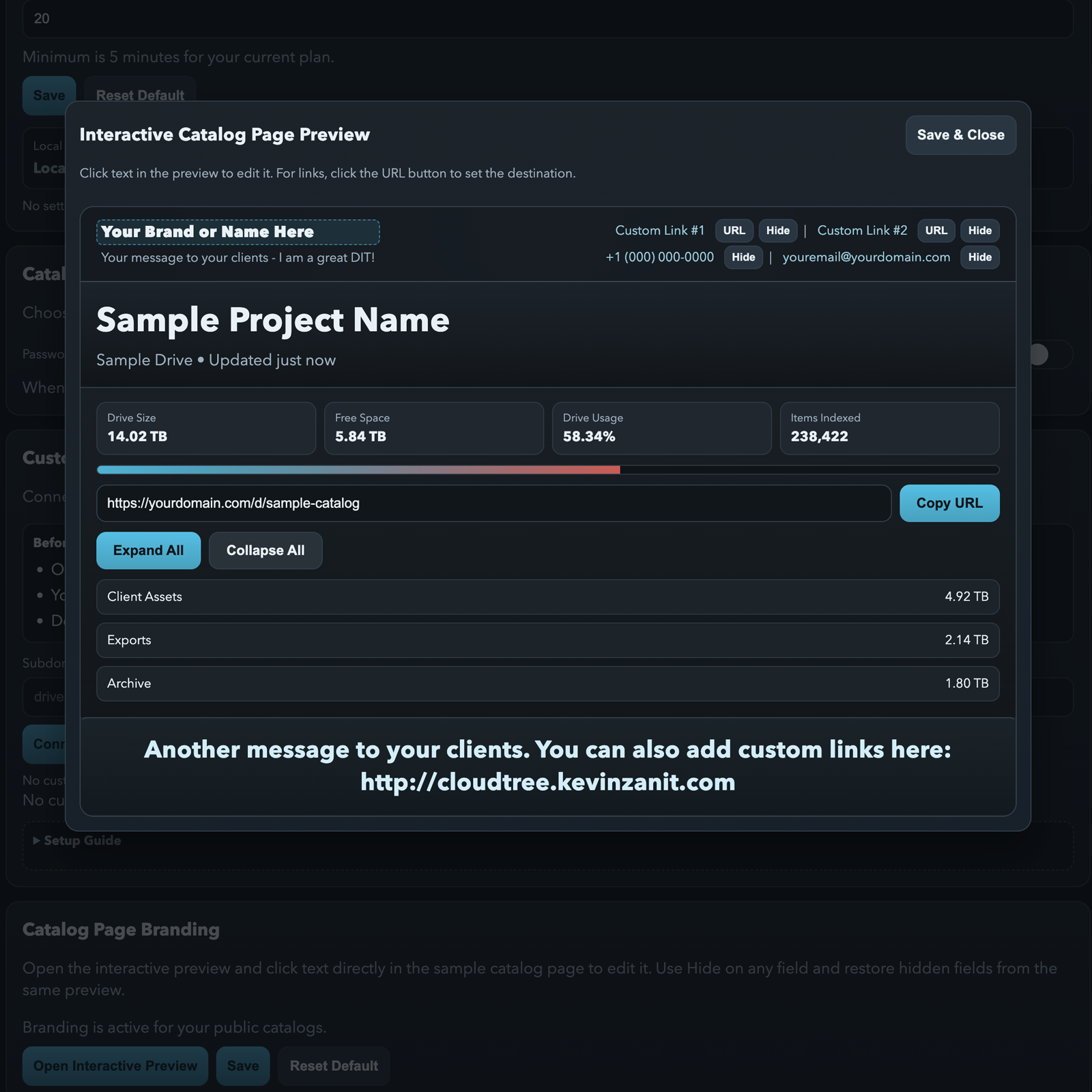
Manage catalogs here after signing in. Use Settings to customize catalog branding and scan behavior.

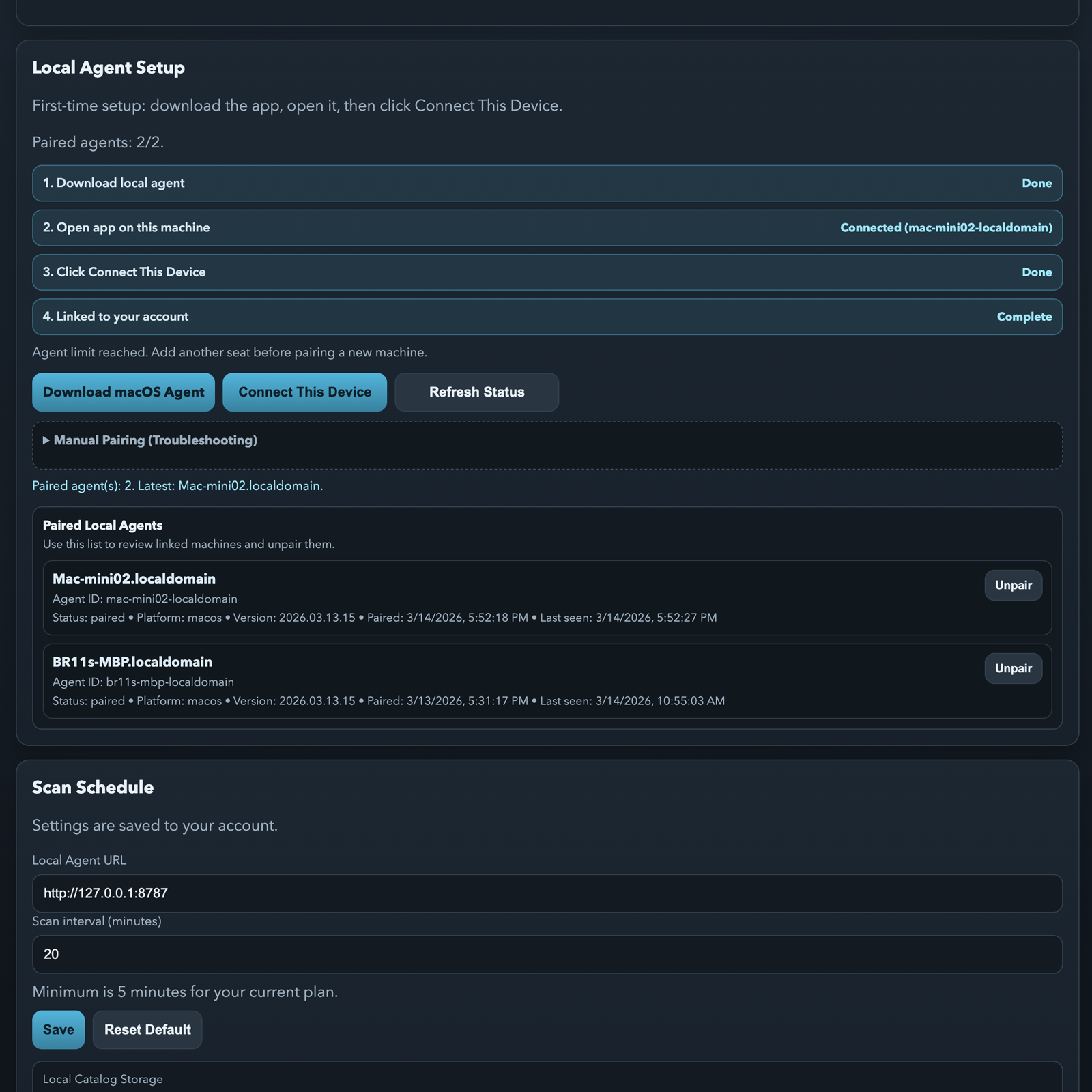
Local Agent Setup

First-time setup: download the app, open it on this machine, then click Connect This Device. For guided setup details, use the Settings page.

Download macOS Agent
Manual Pairing (Troubleshooting)

Use this only if one-click connect fails.

Local Agent Bridge

Not connected.

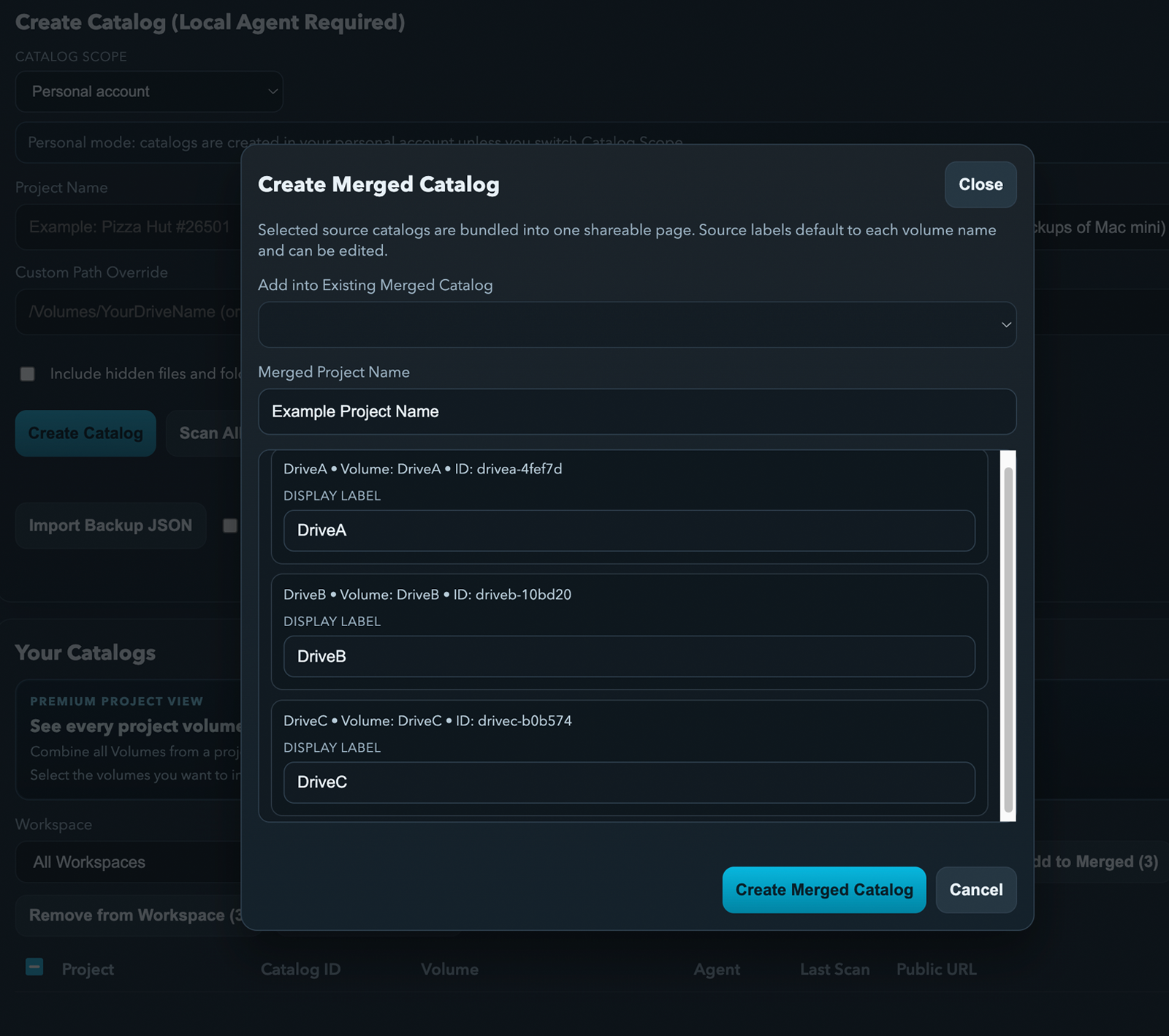
Create Catalog (Local Agent Required)

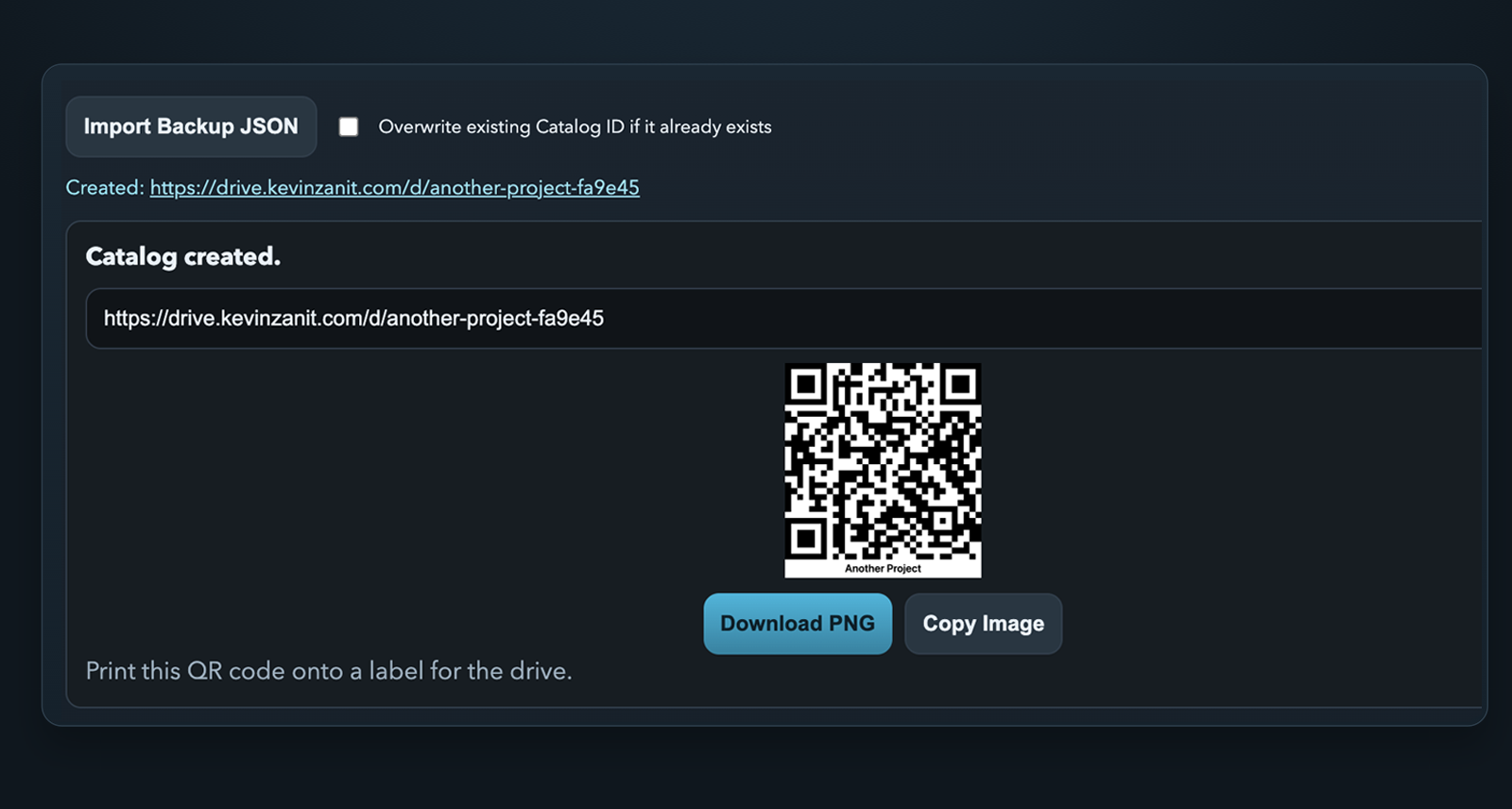
Catalog created.
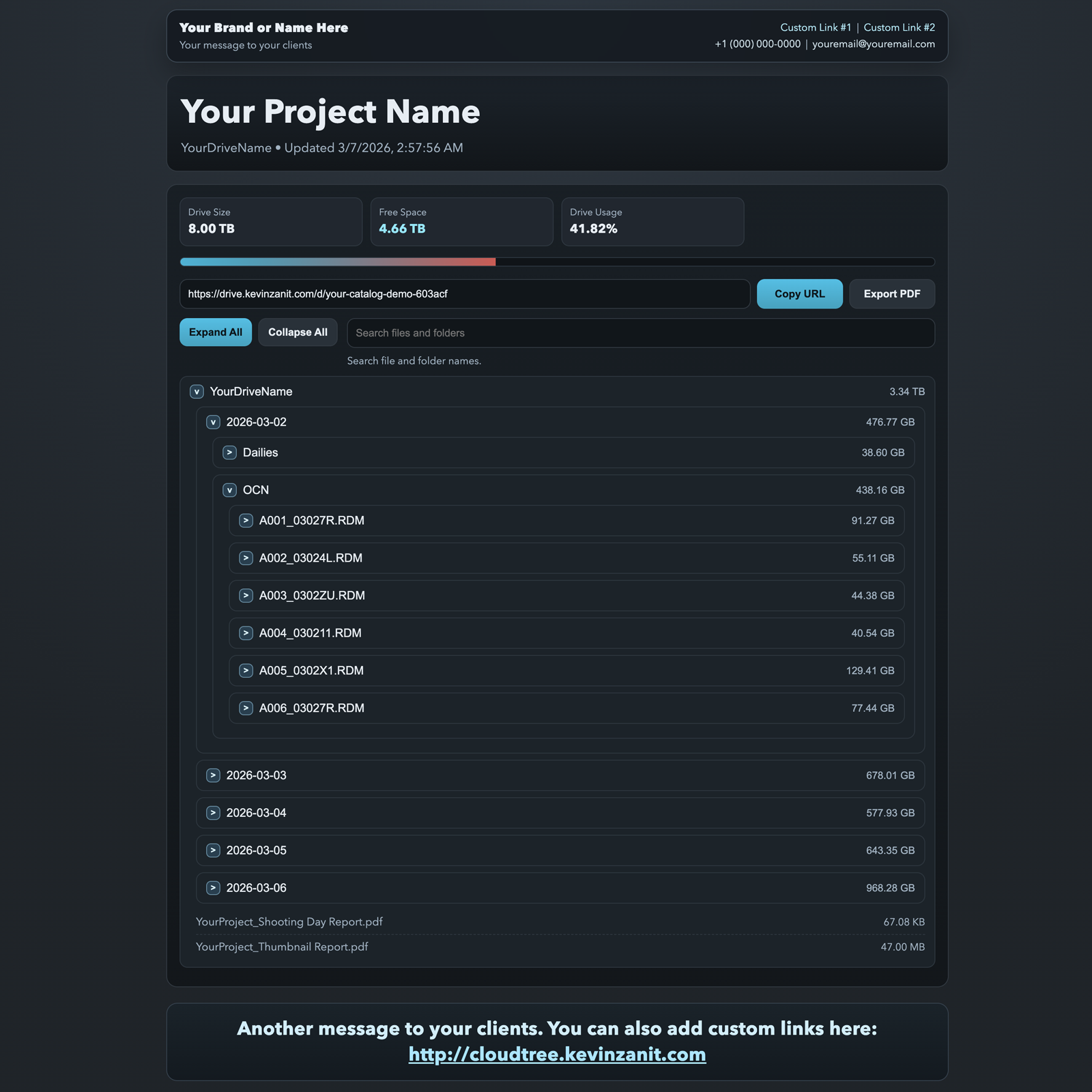
Catalog QR code
Print this QR code onto a label for the drive.

Your Catalogs

Project Catalog ID Volume Agent Last Scan Public URL Actions
Sign in to load catalogs.